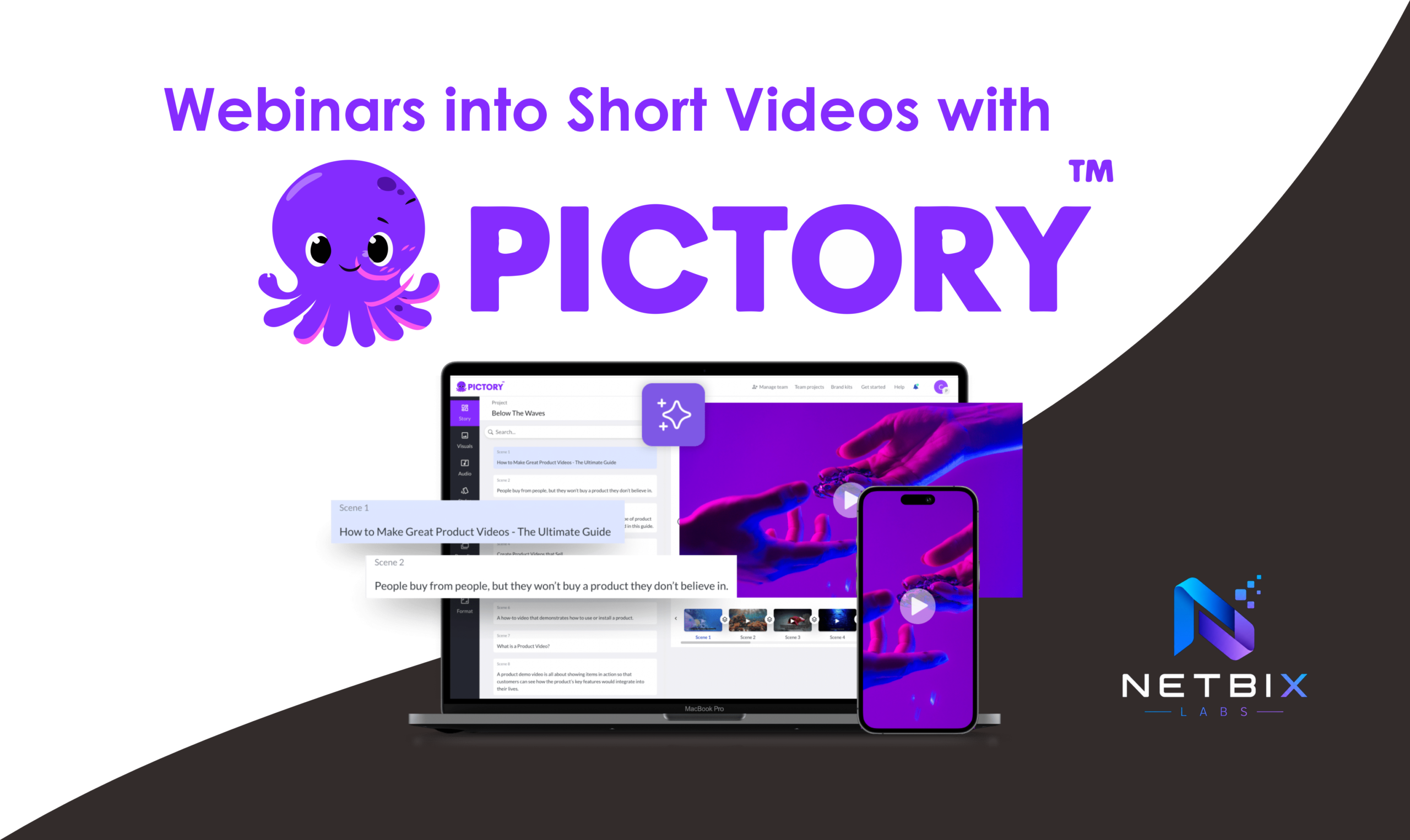
How Businesses Repurpose Webinars into Short Videos with Pictory AI
Learn how businesses turn webinars into social-ready clips using Pictory AI. Step-by-step…

AI video editing refers to the use of artificial intelligence and machine learning algorithms to automate, accelerate, and enhance the process of creating, editing, and optimizing video content. Rather than relying solely on manual timeline-based edits, AI-powered tools can perform tasks such as scene detection, automated cuts, color correction, audio cleanup, caption generation, and even generative visual effects. These capabilities let creators and businesses produce high-quality video faster and at scale.
Video is the dominant form of online content, and businesses that can produce engaging video quickly gain a competitive edge. AI video editing matters because it:
AI video editing tools combine computer vision, natural language processing (NLP), and audio signal processing to automate editing tasks. Key capabilities include:
A typical AI-assisted workflow might look like:
AI video editing is used across industries; below are concrete business applications with examples.
Marketers use AI editors to create ad variants and social clips rapidly. Tools like Descript and Veed.io help produce captions, short-form cuts, and localized versions for platforms like Instagram, TikTok, and YouTube. For agencies, pairing AI video editing with agency ai tools accelerates campaign production and A/B testing.
Companies build training modules and internal comms with AI-powered editors to transcribe sessions, highlight key segments, and auto-generate summaries. Platforms like Adobe Premiere Pro (Sensei) and Descript are commonly used to convert recorded meetings into polished training videos.
Using AI, businesses can personalize product videos by swapping voiceovers, text overlays, or even actor faces to tailor messages to segments. This approach ties into broader automation strategies like those in AI Automation and the workflows built by AI Agents.
Educational publishers automatically convert long-form lectures into micro-lessons, highlight reels, and captioned social posts. Tools like Pictory and Lumen5 specialize in converting text or long videos into bite-sized clips.
Platforms such as Synthesia and Rephrase.ai let businesses generate spokesperson videos from text using synthetic presenters—useful for localized onboarding, product demos, and FAQ videos.
To quantify the impact of AI video editing, teams should track metrics like production time saved, cost per video, engagement rates (views, watch time, CTR), and conversion lifts from personalized variants. Integrating outputs with analytics tools or dashboards—such as those in ai analytics dashboard—helps close the loop between creative edits and business outcomes.
AI video editing brings several challenges:
Expect continued advances in generative video, multimodal editing (combining text, image, audio prompts), and tighter integrations with automation and productivity systems. As AI video tools mature, they will increasingly link to broader platforms in AI for Business, AI Productivity, and AI Design to create end-to-end content pipelines.
Explore related topics and categories for implementation ideas:
AI video editing is no longer a novelty—it’s a practical lever for businesses to produce more content, personalize at scale, and accelerate time-to-market. By combining the right tools, governance, and measurement, teams can unlock significant value from AI-driven video production.
Learn how businesses turn webinars into social-ready clips using Pictory AI. Step-by-step…