AI Video

AI Video

What is AI Video?

AI Video refers to a family of technologies that use artificial intelligence and machine learning to create, edit, enhance, analyze, and personalize video content. Rather than traditional manual video production, AI Video tools automate tasks like script-to-video generation, automated editing, background replacement, captioning, motion synthesis, and even the creation of synthetic presenters or avatars. The result is faster, more scalable video workflows and new creative possibilities for businesses of all sizes.

Why AI Video Matters for Businesses

Video is the most engaging content format online, but producing high-quality video at scale is costly and time-consuming. AI changes that equation. With AI Video, companies can:

  • Reduce production time and costs by automating editing, captioning, and rendering.
  • Scale personalization—generate thousands of individualized messages for customers, sales prospects, or employees.
  • Improve discoverability through automated transcriptions, SEO-friendly captions, and metadata generation.
  • Experiment faster with multiple variants of ads and social clips using automated repurposing.
  • Maintain consistency across brand videos with templates and AI-driven design suggestions.

AI Video is therefore a strategic tool for marketing, sales, HR, training, e‑commerce, and product teams seeking to do more with less.

Core Applications and Use Cases

Marketing and Social Media

AI-driven platforms enable rapid creation of ads, short-form clips, and A/B test variants. Tools can produce vertical videos, add captions automatically, and optimize cuts for different platforms—ideal for social-first strategies and growth marketing campaigns.

Sales, Onboarding, and Personalized Outreach

Sales teams use AI Video to generate personalized product demos and outreach messages. HR and L&D teams create onboarding and training videos with synthetic presenters or voiceovers, accelerating new-employee ramp-up and standardizing messaging.

E-commerce and Product Demonstrations

E-commerce brands convert product descriptions into short demo videos, create 360° product views, or automatically generate seasonal campaign videos at scale—reducing agency fees and time-to-market.

Editing, Post-Production, and Repurposing

AI automates repetitive editing tasks: removing filler words, generating highlights, stabilizing footage, color correction, upscaling low-resolution clips, and creating captions. This is perfect for repurposing long-form content like webinars into multiple short clips.

Accessibility, Localization, and Compliance

Auto-generated captions, multi-language dubbing, and translated subtitles make video content accessible internationally. AI can also detect sensitive content for compliance and brand safety, a critical consideration for regulated industries.

Concrete Examples: Tools and Platforms

  • Synthesia — Text-to-video with realistic AI presenters and multilingual voice options; widely used for training and e-learning.
  • Descript — Transcript-first video editing, filler-word removal, and Overdub voice cloning for iterative edits.
  • Runway — Creative generative and editing models for motion, background removal, and advanced visual effects.
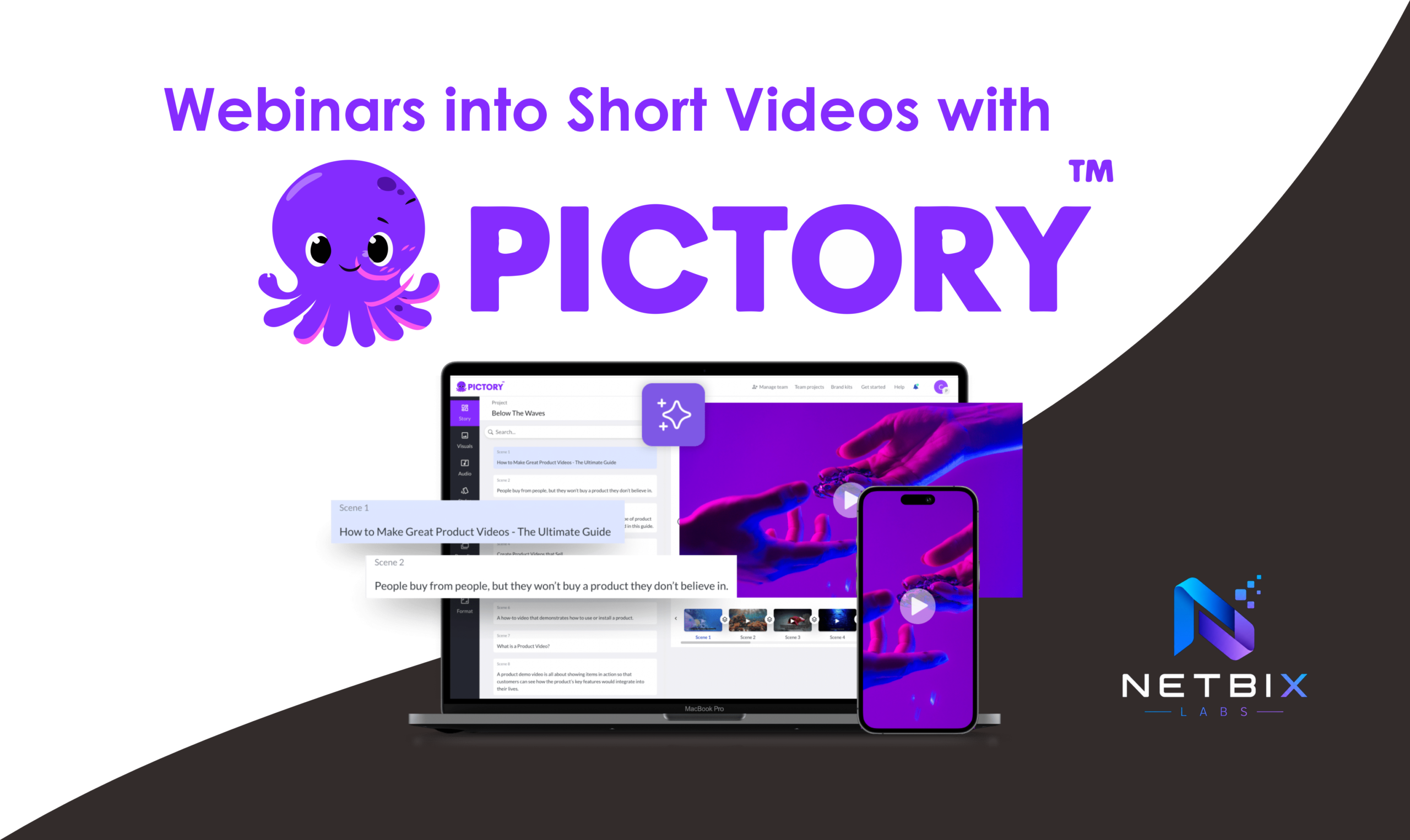
  • Pictory — Converts articles or scripts into short marketing videos, useful for content repurposing.
  • HeyGen and D-ID — Generate talking-head videos and avatar-based videos for scalable personalized messaging.
  • Lumen5 and Kapwing — Template-based marketing video builders with AI-assisted scene selection and captions.
  • Topaz Video AI — AI-driven upscaling and restoration for improving legacy footage.

How AI Video Integrates with Broader AI Workflows

AI Video rarely exists in isolation. It complements broader automation and product ecosystems:

  • Combine AI Video with AI Automation to trigger video creation from events (e.g., new product launches or CRM actions).
  • Integrate with AI for Business systems for customer-facing personalization and analytics.
  • Use AI Design tools to generate thumbnails, motion graphics, and brand-aligned templates.
  • Leverage AI Builders and no-code interfaces to deploy internal video generation apps without engineering effort.
  • Orchestrate multi-step video workflows with autonomous assistants described in AI Agents, for example, auto-creating a video, publishing to social, and reporting performance.

Best Practices and Considerations

Quality vs. Scale

AI makes scale possible, but creators should balance automation with human review. Use AI for drafts and bulk outputs, then refine high-value assets with editors and brand teams.

Ethics, Deepfakes, and Security

AI-generated faces and voices raise ethical questions and regulatory concerns. Implement verification processes, consent for likeness use, and link AI Video strategies to your organization’s AI Security and compliance programs.

SEO and Distribution

Optimize videos for search with accurate transcripts, chapter markers, and metadata. AI tools that auto-generate transcripts and SEO-friendly descriptions can boost discoverability and accessibility.

Examples of Real-World Use Cases

  • Marketing agency: Automatically generate 50 ad variants from one script using AI editing and A/B test performance across platforms.
  • E-commerce brand: Produce product demo videos for 1,000 SKUs using a template-based AI video generator and customized voiceovers.
  • HR team: Replace live recording sessions with avatar-based onboarding videos for consistent global training.
  • SaaS company: Turn webinar recordings into highlight clips and social snippets with Descript-style auto-editing.

Where to Learn More and Related Resources

Explore related categories for deeper strategies and workflow integration:

  • AI Automation — automating video pipelines and publishing.
  • AI Design — creative assets that pair with video production.
  • AI for Business — strategic use cases and ROI.
  • AI Builders — no-code tools to build custom video apps.
  • AI Productivity — boost teams’ output with AI-assisted editing workflows.
  • AI Security — governance and detection for synthetic media.
  • Trending Now — emerging trends in AI Video and related technologies.

Related Tags and Tutorials

For hands-on guides and examples, check these topical tags:

Final Thoughts

AI Video is rapidly changing how businesses create and scale visual content. Whether you’re a marketer trying to increase engagement, a product team needing dozens of demo clips, or an HR leader building standardized training, AI Video tools can unlock speed and personalization. Pair these tools with strong governance, creative oversight, and integration into broader AI Automation and business strategies to get the best results.

AI Video

How Marketing Teams Create LinkedIn Video Campaigns Using AI

Learn how teams use linkedin video ai workflows to create scalable B2B…

Iqbal

How Businesses Repurpose Webinars into Short Videos with Pictory AI

Learn how businesses turn webinars into social-ready clips using Pictory AI. Step-by-step…
Iqbal

How to Generate Product Demo Videos Using Google Veo 3

Learn how to create demo videos using Veo 3 with this step-by-step…

Iqbal

How to Create Corporate Training Videos with HeyGen AI in 10 Mins

Learn how to create corporate training videos with HeyGen AI, using AI…

Iqbal