AI Design

AI Design

What is AI Design?

AI Design refers to the use of artificial intelligence to assist, augment, or fully automate creative and design processes. It spans everything from generative imagery and layout suggestions to automated user experience testing, generative product engineering, and intelligent content creation. Rather than replacing designers, AI Design aims to enhance creativity, speed up iteration, and solve complex design problems at scale.

Why AI Design Matters for Business

Design is a competitive advantage: it shapes brand perception, product usability, and conversion rates. AI Design accelerates time-to-market, reduces costs, and enables teams to personalize at scale. For businesses, that translates into:

  • Faster prototyping: Generate multiple design variations within minutes instead of days.
  • Lower production costs: Automate routine tasks like resizing, background removal, or layout generation.
  • Better personalization: Create tailored visuals and UX flows for different audience segments.
  • Data-driven creativity: Use analytics and predictive models to inform design choices and improve conversion.

Core Applications of AI Design

AI Design covers multiple domains. Below are common applications and concrete examples.

1. Generative Visuals and Graphic Design

Generative models create images, icons, and marketing assets from text prompts or existing assets. Tools like Adobe Firefly, Midjourney, DALL·E, and Stable Diffusion let teams prototype brand imagery quickly. Canva and Figma now offer AI-powered features for automatic layout, color palette suggestions, and style transfer.

2. UX/UI and Web Design

AI accelerates wireframing, accessibility checks, and responsive layout generation. Platforms like Uizard, Framer, and website builders with AI features (e.g., Wix ADI or Bookmark’s AIDA) can convert sketches or briefs into working prototypes.

  • Example: A startup uses an AI web design assistant to generate a landing page and iterate on CTA placement based on predicted conversion lift.
  • Related tag: AI web design tools

3. Motion and Video Design

AI-powered video tools such as Runway, Pictory, and newer generative video models simplify video creation: automated edits, text-to-video, background replacement, and style transfer. This is especially useful for marketing and product demos.

  • Example: Marketing teams generate short-form product demo videos from a script using AI to create visuals, voiceover, and subtitles.
  • See related category: AI Video

4. Generative Product and Industrial Design

In engineering, generative design tools (for example Autodesk Generative Design) explore thousands of structural options to optimize for weight, strength, or material cost. AI helps propose novel forms that meet constraints faster than manual iteration.

5. Content and Layout Automation

AI can generate copy, layout articles, and produce content variants for A/B testing. Integrations with content workflows—such as automated image assignment or page-level personalization—bridge design and marketing automation.

  • Example: An e-commerce platform automatically creates localized banners and product pages using AI-generated copy and images.
  • Related tag: ai content design

Practical Examples of Tools & Platforms

  • Figma + AI plugins: Auto-layout suggestions, icon generation, and content-aware resizing for fast UI prototypes.
  • Adobe Firefly: Brand-safe image generation and text-to-image features tailored for creative teams.
  • Canva Magic Design: Instant template creation and auto-resizing across formats.
  • Midjourney / DALL·E / Stable Diffusion: High-quality generative imagery for concepts and campaigns.
  • Uizard / Framer / Wix ADI: Rapid conversion of briefs to web pages and interactive prototypes.
  • Runway / Pictory: AI-assisted video editing and text-to-video generation.
  • Autodesk Generative Design: Optimization-driven product design for manufacturing.

Use Cases by Industry

AI Design benefits organizations across sectors:

  • Retail & eCommerce: Automated product photography, personalized landing pages, and A/B-tested design variations.
  • Agencies & Marketing: Rapid campaign asset generation and multi-format delivery using agency AI tools.
  • SaaS & B2B: AI-generated onboarding flows, documentation layouts, and product demo videos (see ai product demo video tags).
  • Manufacturing: Generative engineering to optimize parts for cost and performance.

How Teams Implement AI Design

Successful adoption follows practical steps:

  • Identify repeatable tasks: Start by automating asset resizing, color variations, or draft layouts.
  • Integrate with workflows: Connect AI features to design systems, CMS, or marketing automation platforms—see workstreams in AI Automation and AI Productivity.
  • Human-in-the-loop: Use designers to curate and refine AI outputs to maintain brand quality.
  • Measure impact: Track design-driven KPIs—conversion rate, time-to-launch, asset production cost—and iterate.

Ethics, IP, and Security Considerations

AI Design introduces legal and security questions. Designers and businesses must consider copyright for training data, brand safety, and data protection when AI tools access proprietary assets. Coordinate with AI Security and legal teams to establish policies and guardrails.

Best Practices and Tips

  • Create style baselines: Maintain brand tokens and design systems so AI outputs are consistent.
  • Use AI for exploration, not final judgment: Treat generated variants as inspiration rather than final decisions.
  • Train internal models: When possible, fine-tune models on your brand assets to improve relevance and compliance.
  • Document workflows: Capture when and how AI is used as part of compliance and reproducibility (link to AI for Business).

Related Topics and Further Reading

Explore adjacent areas to get the full value of AI Design:

  • AI Agents — for autonomous systems that can orchestrate design workflows.
  • AI Builders — tools that help non-developers build AI-driven products and interfaces.
  • Trending Now — the latest innovations in generative models and design automation.

Tags to Explore

For focused content and tutorials, check these related tags: ai content design, ai graphic design, AI web design tools, and ai image generation business.

Conclusion

AI Design is not a single tool but a collection of approaches that make design faster, smarter, and more scalable. From generative imagery and automated layouts to data-driven UX optimization and generative engineering, AI Design reshapes how products and experiences are created. Start small, measure impact, and integrate AI into your design systems and business workflows to unlock sustained value.

AI Design

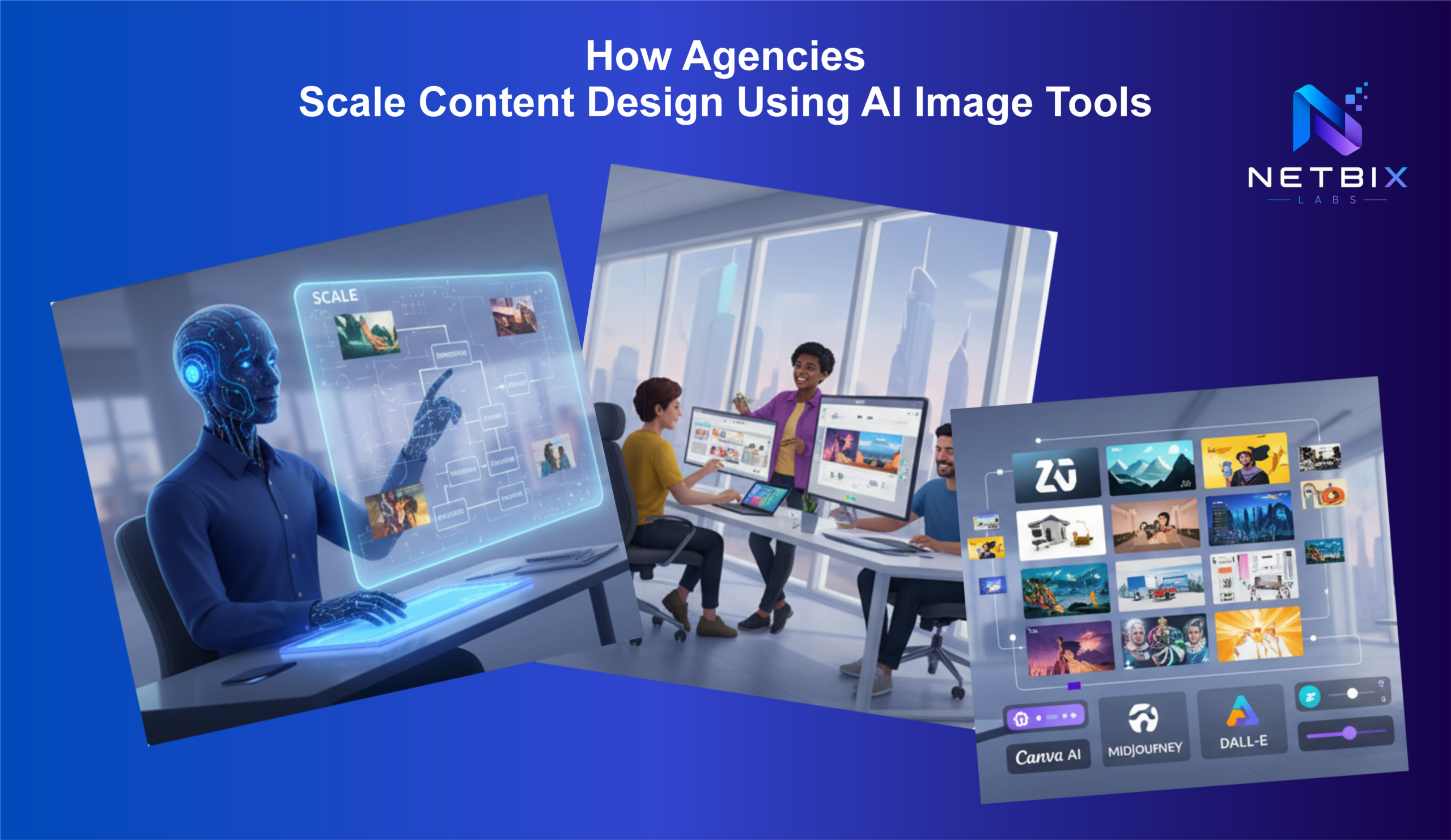
How Agencies Scale Content Design Using AI Image Tools

Discover how agencies use AI content design tools to automate creative workflows,…

Iqbal

How Ecommerce Brands Generate Product Photos with AI

Learn how ecommerce brands use AI product photos to cut costs and…
Iqbal

How to Create Professional Marketing Visuals with Leonardo AI

Learn how to create professional marketing visuals with Leonardo AI. Step-by-step Leonardo…

Iqbal