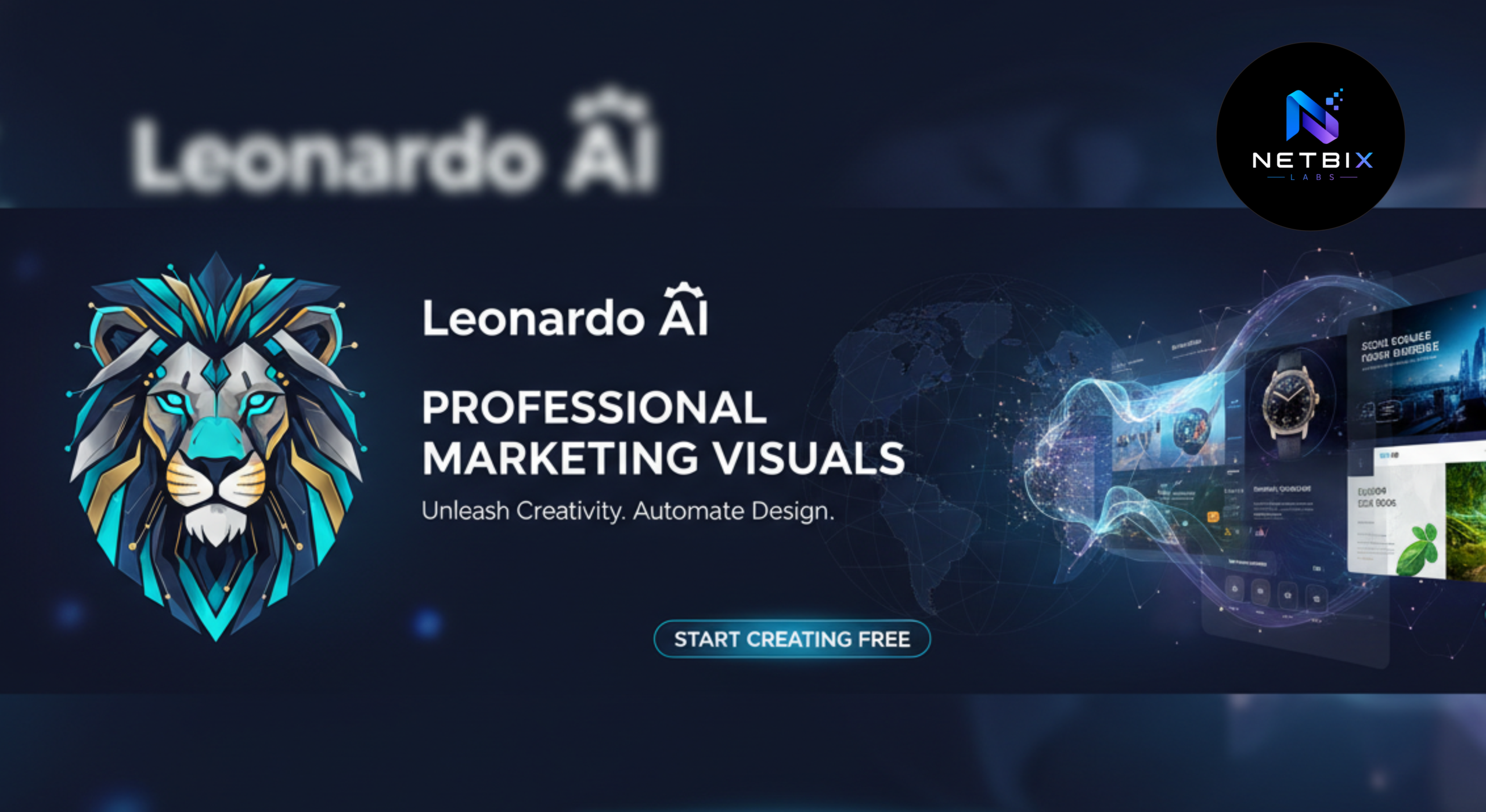
Tag: Leonardo AI Business

Leonardo AI Business

What “Leonardo AI business” means

Leonardo AI business refers to the use of Leonardo.ai and similar generative-visual AI tools in commercial settings — from marketing and product design to game development and enterprise creative workflows. It covers both the capabilities of the Leonardo platform (image generation, concept art, asset pipelines) and the practical, governance-aware ways organizations adopt these tools: team workspaces, commercial licensing, model customization, and integration into automated business processes.

Why Leonardo AI matters for businesses

Generative visual AI like Leonardo transforms how companies create visual assets. It reduces cost and time for creative iteration, enables personalization at scale, and opens up new possibilities for prototyping and experimentation. For businesses, the value is both tactical and strategic:

  • Speed: Rapid concept generation for campaigns, prototypes, and moodboards.
  • Scale: Produce many variations for A/B testing or localized campaigns without hiring large teams.
  • Cost efficiency: Reduce outsourcing for routine visual tasks while freeing human designers for higher-value work.
  • Creativity: Explore novel designs and unexpected directions quickly, accelerating ideation.
  • Governance & IP: Enterprise offerings typically include commercial licenses and team controls important for legal and brand compliance.

Key business applications and practical examples

Marketing & ad creative

Marketing teams use Leonardo AI to generate ad visuals, social media creatives, and banner variants at scale. Example use case:

  • A performance marketing agency uses Leonardo to create 50 thumbnail variations for a paid social campaign, testing different moods and color palettes to optimize click-through rate. Related reading: agency ai tools.

E-commerce product imagery

E-commerce brands use generative AI to produce lifestyle images, color variants, and contextual mockups without costly photoshoots. Example:

  • An online retailer generates consistent, on-brand product photos in multiple settings (studio, outdoors, staged scenes) to improve conversion and shorten time-to-market.

Game and entertainment asset production

Game studios and indie developers leverage Leonardo for concept art, environment design, and character ideas. Example:

  • A small studio accelerates pre-production by generating multiple environment concepts per day, allowing artists to focus on high-fidelity refinements instead of initial ideation.

Branding, packaging, and UI/UX mockups

Design teams produce packaging concepts, logo variants, and UI mockups. Using AI for rapid prototyping makes stakeholder reviews faster. See broader design topics in AI Design.

Content localization and personalization

Businesses use Leonardo to create localized ad creatives and personalized visuals for segmented audiences. Example:

  • A SaaS company generates region-specific creatives with cultural cues and different color schemes, improving regional engagement metrics while maintaining brand guidelines.

Presentations, training, and internal communications

Speedy custom illustrations and diagrams help HR, sales, and training teams create clearer learning materials and pitch decks.

Integrating Leonardo into business workflows

Leonardo becomes more powerful when combined with automation and AI-based agents. Typical integration points:

  • Automated pipelines that generate batch creatives from a CSV feed (product SKUs or campaign briefs).
  • AI agents that monitor analytics, trigger new creative tests, and iterate on failed variants automatically — see AI Agents and ai agents automation.
  • Tooling that feeds generated assets into content management systems, ad platforms, or design systems for instant publishing.

For automation and productivity-focused deployments, check resources on AI Automation and AI Productivity.

Concrete tools and platforms (real-world examples)

Leonardo AI sits in a landscape of visual generative tools. Businesses often combine platforms based on needs:

  • Leonardo.ai — strong at detailed concept art and game-ready visuals; useful for rapid iteration of creative assets.
  • Midjourney, DALL·E, and Stable Diffusion — commonly used alternatives or complements for different aesthetic results and licensing models.
  • Runway — useful when video and motion are required; pair image outputs from Leonardo with Runway for animation or video editing. Related category: AI Video.
  • Design/Collaboration tools — Canva, Figma, Adobe tools combined with generative outputs for layout and final production.

Governance, brand safety, and IP considerations

As businesses adopt generative AI, governance becomes essential. Considerations include:

  • Commercial licensing: Ensure the chosen platform provides clear rights for commercial use and redistribution of generated assets.
  • Brand consistency: Use templates, model prompts, and fine-tuned models to maintain consistent visual identity — a topic that links to AI Builders for custom models and pipelines.
  • Security & compliance: Manage access, retention, and provenance of generated assets; see broader guidance in AI Security.

How teams typically organize Leonardo AI workstreams

Organizations follow repeatable patterns to get business value quickly:

  • Pilot projects: Start with a single campaign or product line to measure impact on time-to-market and conversion.
  • Templates and prompts: Build a library of high-quality prompts and style presets for repeatable output.
  • Human-in-the-loop: Combine AI generation with human review for final quality and brand alignment.
  • Analytics-driven iteration: Tie creative variants to performance metrics and automate iterations using AI-driven dashboards and agents. See related tag: ai analytics dashboard.
  • Workflow automation: Automate routine asset creation and handoffs using orchestration tools and agent workflows — learn more under ai agents workflow and ai agents business.

Example business scenarios

  • Marketing agency: Uses Leonardo to generate campaign concepts, then leverages analytics to automatically replace underperforming creatives with new variations generated by an agent tied to performance data.
  • Game studio: Automates concept generation for environments and NPCs, producing moodboards and initial assets for artists to refine, dramatically shortening pre-production timelines.
  • E-commerce brand: Produces multi-angle product renders and lifestyle shots for hundreds of SKUs using a templated prompt system, saving on photography costs and enabling rapid localization.
  • SaaS product: Creates onboarding illustrations and marketing visuals that match a brand style guide, leveraging team workspaces and shared prompt libraries for consistent output.

Getting started and next steps

To adopt Leonardo AI in a business context:

  • Identify a high-impact pilot (ads, product imagery, or prototypes).
  • Set governance rules for IP, brand alignment, and access control.
  • Build a prompt/template library and measure results against KPIs.
  • Explore automation with AI agents and dashboards to scale production — see ai agents automation and agency ai tools.

Leonardo AI business is not just about using a specific tool — it’s about embedding generative visual AI into repeatable, governed workflows that speed creativity, lower costs, and enable new forms of personalization across marketing, product, and design. Combining Leonardo with automation, analytics, and human oversight creates a practical path from experimentation to enterprise value.

How to Create Professional Marketing Visuals with Leonardo AI

Learn how to create professional marketing visuals with Leonardo AI. Step-by-step Leonardo…

Iqbal