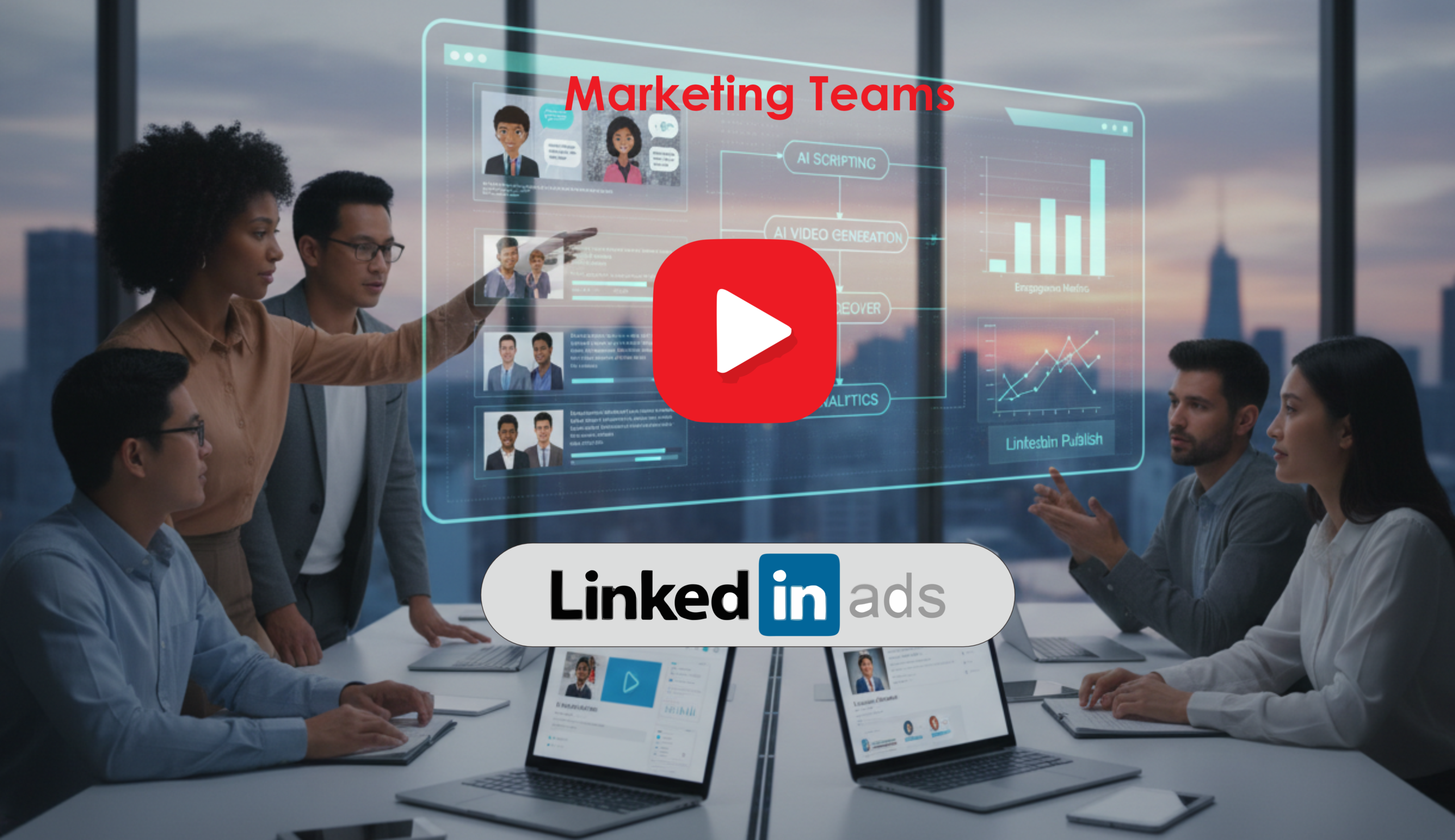
How Marketing Teams Create LinkedIn Video Campaigns Using AI
Learn how teams use linkedin video ai workflows to create scalable B2B…


LinkedIn content AI refers to the suite of artificial intelligence tools, models, and automation systems used to research, generate, optimize, schedule, analyze, and personalize content specifically for LinkedIn profiles, company pages, and paid LinkedIn campaigns. It spans text generation (posts, articles, headlines), visual and video creation, performance analytics, and intelligent workflow automation that make LinkedIn content creation faster, more consistent, and more data-driven.
LinkedIn is the primary social platform for B2B networking, recruiting, thought leadership, and lead generation. Applying AI to LinkedIn content helps teams:
AI copywriters (ChatGPT, Jasper, Copy.ai, Claude) can generate post drafts, article outlines, and dynamic headlines tailored to your audience. Instead of starting from a blank page, marketers input prompts about audience, tone, and objective and receive drafts ready for editing and publication.
AI recommends keywords, headline variants, and post structures that perform well on LinkedIn. Tools can suggest relevant hashtags, optimal post length, and first-sentence hooks to increase impressions and retention.
AI analyzes prospect profiles and generates customized connection messages or comment replies, increasing response rates while keeping communication compliant with platform policies.
Platforms like Canva (with Magic Write), Lumen5, Pictory, and Synthesia enable quick production of LinkedIn-ready images, carousels, and short videos. AI can convert blog posts into slide carousels or short clips optimized for LinkedIn’s feed and Stories.
AI analytics dashboards (e.g., Shield-like analytics, Sprout Social insights, or custom AI dashboards) mine engagement patterns and suggest best posting times, content topics that drive conversions, and creators deserving amplification.
AI-driven schedulers and agents can queue posts, monitor comments for sentiment, and escalate inbound leads to CRM systems. This reduces manual social media management and ensures timely responses to high-value interactions.
A SaaS marketing team uses an AI copywriting model to convert monthly long-form reports into a series of LinkedIn posts and a carousel. AI suggests hooks, repurposes statistics into easy-to-read bullets, and creates image templates in Canva. The team schedules posts via Hootsuite and monitors performance with an AI analytics dashboard to refine future topics.
Talent acquisition uses AI to produce employee spotlights and role-specific posts that resonate with target talent pools. AI-driven personalization tailors outreach messages to seniority and skill sets, while automated replies triage candidate responses to recruiters.
Sales teams use AI agents to analyze prospect LinkedIn activity and create personalized comment threads and InMail drafts. High-intent signals trigger direct sequences in the CRM. This ties into broader AI for Business practices that streamline handoffs from marketing to sales.
Explore adjacent AI topics that often intersect with LinkedIn content workflows:
LinkedIn content AI is not a replacement for human strategy and relationships, but an accelerator—helping teams produce better content faster, personalize outreach at scale, and measure what truly moves the needle. Start small with templates and one or two tools, measure results, and scale successful processes into broader content and sales workflows.
Learn how teams use linkedin video ai workflows to create scalable B2B…