Tag: Linkedin Video Ai

Linkedin Video Ai

What “LinkedIn Video AI” means

LinkedIn video AI refers to the class of artificial intelligence tools, features, and workflows designed to create, optimize, personalize, transcribe, caption, and analyze video content specifically for LinkedIn — the professional social network. These capabilities range from AI-driven video editors and avatar generators to automated captioning, personalized outreach videos, and analytics that measure video engagement among professional audiences.

Why LinkedIn Video AI matters for business

LinkedIn is the go-to platform for B2B sales, recruiting, thought leadership, and professional networking. Video content on LinkedIn consistently drives higher engagement, comment activity, and share rates than plain text or images. When you combine that reach with AI, you get:

  • Scale: Produce more video variations for testing and distribution without a large production team.
  • Personalization: Create individualized video messages for prospects or candidates using dynamic text-to-video or avatar personalization.
  • Efficiency: Automate transcription, captioning, and repurposing so long-form content can be sliced into LinkedIn-native short clips quickly.
  • Data-driven optimization: Use AI analytics to understand which creative elements perform best with professional audiences.

Key AI features used for LinkedIn video

  • Text-to-video generation: Convert scripts into realistic presenter videos or animated explainers (useful for product demos and thought-leader content).
  • Personalized dynamic video: Insert prospect names, company logos, or tailored offers to increase conversion in outreach campaigns.
  • Automatic captioning and transcript generation: Improve accessibility and engagement — critical on LinkedIn where many users watch without sound.
  • Auto-editing and scene selection: AI that trims long recordings into short digestible clips optimized for LinkedIn feed length and retention.
  • Audience and performance analytics: AI-driven insights that reveal watch time, drop-off points, and which segments convert into leads.

Real-world tools and platforms

Several platforms power practical implementations of LinkedIn Video AI today:

  • Synthesia – Create AI presenter videos and localized versions for outreach or thought-leader series without a studio.
  • Descript – Edit video like a document, generate captions automatically, and repurpose podcast or webinar recordings into LinkedIn clips.
  • Pictory and Lumen5 – Convert blog posts and long-form content into short, branded LinkedIn videos using automated scene selection and text overlays.
  • Vidyard and Loom – Record quick personalized messages for sales outreach and embed analytics to track engagement from LinkedIn campaigns.
  • VEED and Kapwing – Fast captioning, subtitles, and template-driven edits tailored to LinkedIn aspect ratios and durations.
  • Vidyo.ai – AI-powered clip creation that extracts the best moments from webinars and long videos to produce LinkedIn-ready highlights.

Concrete use cases for businesses

1. B2B sales outreach and prospecting

Sales teams use AI to generate short personalized videos for high-value prospects. An AI tool can replace the prospect’s name, company, and pain point dynamically into a template video, increasing reply rates and humanizing outreach at scale.

2. Employer branding and recruiting

Recruiters create day-in-the-life or role overview videos with AI-based voiceovers, captions, and localized language versions to attract talent globally, while analytics help measure application lift from video posts.

3. Content repurposing and thought leadership

Companies convert webinars, podcasts, and long-form articles into multiple short LinkedIn clips. AI editors identify high-engagement moments and auto-generate captioned snippets suitable for the feed.

4. LinkedIn ad creative production

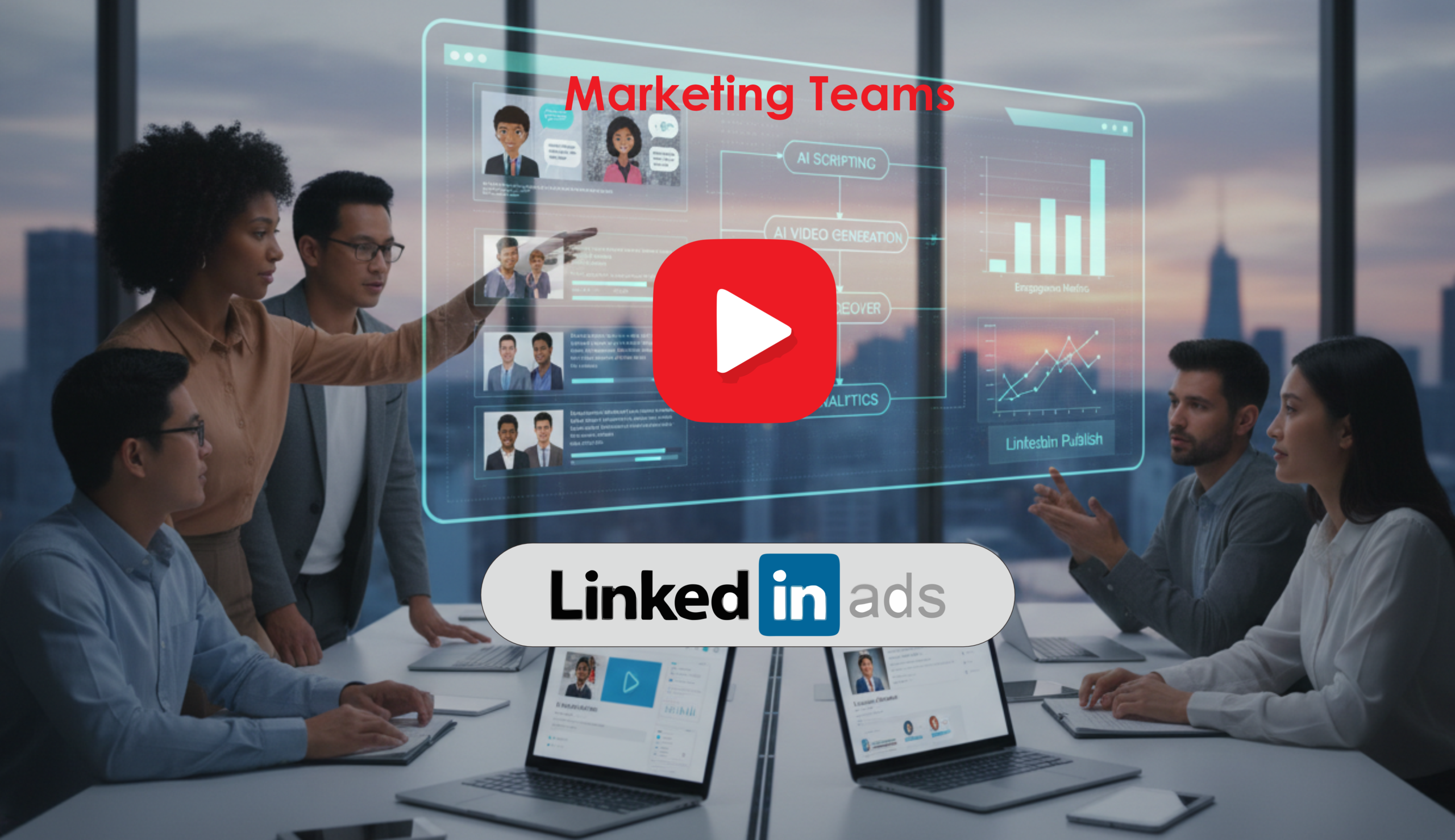
Marketing teams use AI to rapidly generate variations of ad creatives—testing different hooks, opening frames, and CTAs to discover top-performing combinations. This ties directly to ai ad creatives strategies for better ROI.

5. Training and internal comms

HR and internal comms teams produce microlearning videos with AI-generated transcripts and searchable clips, accelerating employee onboarding and knowledge sharing.

How to measure success: metrics and analytics

Use AI analytics to track the KPIs that matter for LinkedIn video performance:

  • View rate and average watch time
  • Engagements (likes, comments, shares)
  • Conversion events (profile visits, website clicks, lead form fills)
  • Drop-off points in the video to identify weak segments

Advanced setups can integrate video performance with CRM or marketing automation systems, tying engagement to pipeline value — a use case closely related to AI for Business and ai analytics dashboard workflows.

Best practices for LinkedIn Video AI

  • Keep videos short and attention-focused: 30–90 seconds is often ideal for feed content.
  • Always include captions: Many LinkedIn users scroll with sound off; captions boost completion and accessibility.
  • Test multiple thumbnails and hooks: Use AI to produce variants quickly and A/B test headlines and opening frames.
  • Personalize judiciously: Tailored videos perform better, but ensure personalization is relevant and not invasive.
  • Monitor analytics and iterate: Use AI insights to refine content structure, CTAs, and posting cadence.

Integration with broader AI workflows

LinkedIn video AI often fits inside larger automated workflows. For example, an agency might use agency ai tools to batch-produce creatives, then plug those videos into an outreach automation sequence managed by ai agents automation for follow-ups and lead scoring. This cross-functional approach ties video creation to pipeline outcomes and productivity improvements — topics covered in the AI Automation and AI Productivity categories.

Common challenges and how AI helps

  • Resource constraints: AI reduces the need for large production teams and speeds time-to-post.
  • Consistency: Templates and brand kits in AI tools ensure consistent visuals and messaging across videos, aligning with AI Design best practices.
  • Compliance and security: Use enterprise-grade platforms with security features for sensitive content; see guidance in AI Security.

Conclusion

LinkedIn video AI is a practical, high-impact combination of technologies that helps businesses create professional, personalized, and performance-optimized video content for the platform. Whether you’re producing scalable ad creatives, improving sales outreach with personalized video messages, or repurposing long-form content into feed-ready clips, AI tools accelerate production and boost measurable results. Explore tools like Synthesia, Descript, Vidyard, and Pictory, and connect video production to analytics and automation pipelines to get the most value from your LinkedIn video strategy.

For more on creating AI-driven solutions around video, agents, and automation workflows, explore related resources in our AI Video, AI for Business, and AI Agents categories.

How Marketing Teams Create LinkedIn Video Campaigns Using AI

Learn how teams use linkedin video ai workflows to create scalable B2B…

Iqbal