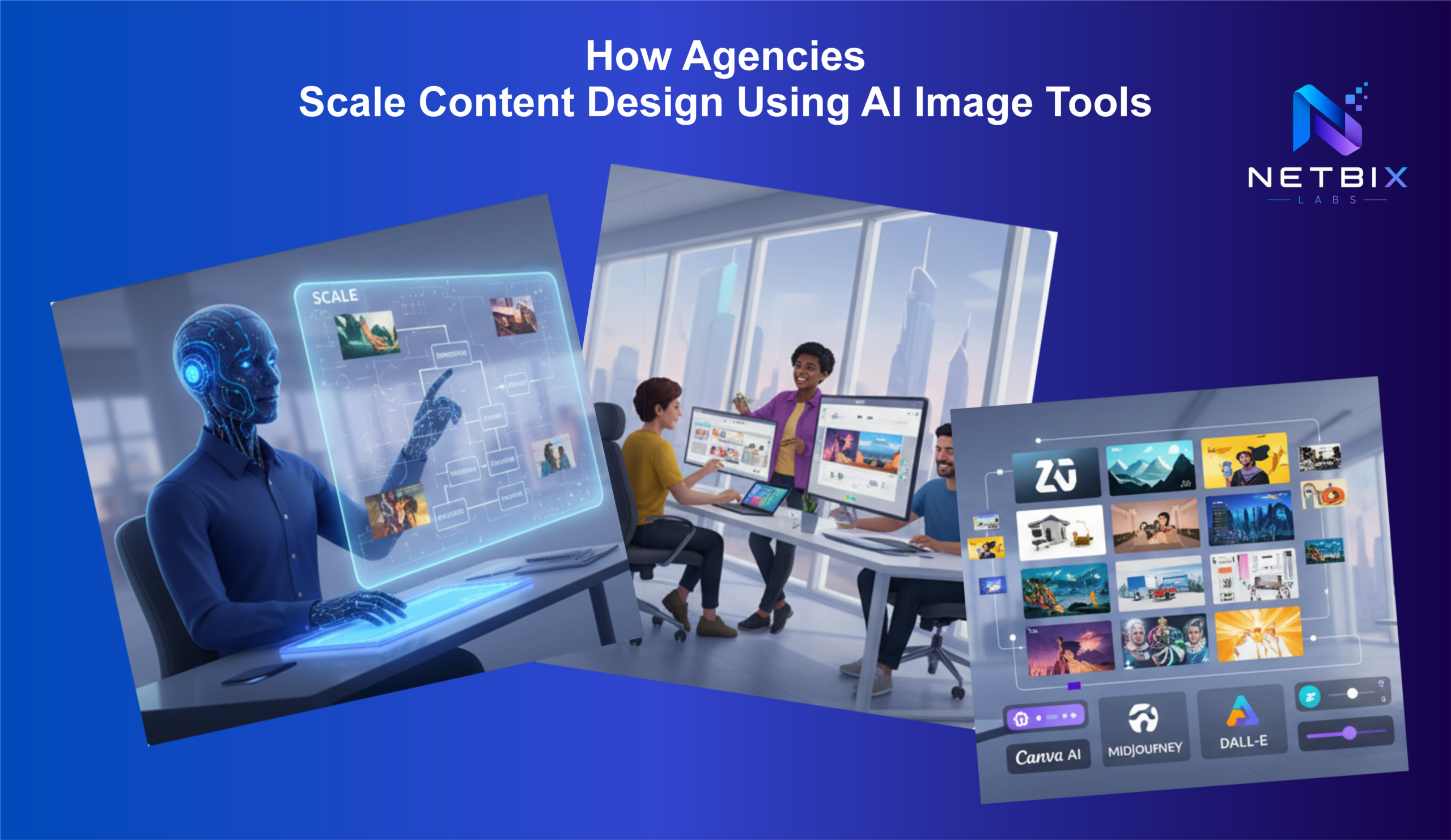
How Agencies Scale Content Design Using AI Image Tools
Discover how agencies use AI content design tools to automate creative workflows,…


AI design automation refers to the use of artificial intelligence, machine learning, and generative models to automate, accelerate, and augment the design process. Instead of manually crafting every layout, image, or interaction, teams use AI to generate templates, suggest variations, convert sketches to code, and optimize creatives at scale. The result is faster iteration, more personalized experiences, and improved alignment between design and business outcomes.
Design is no longer only about aesthetics — it drives conversions, brand recognition, and user satisfaction. AI design automation matters because it:
AI design automation spans multiple domains across product, marketing, and operations. Common applications include:
Below are practical examples showing how teams apply AI design automation using real tools and platforms.
Tools like Webflow and Framer, combined with AI-assisted features, can generate full landing pages or component-based UIs from prompts. Teams use these tools to prototype multiple page variations in minutes, then export clean HTML/CSS or connect to a headless CMS for production.
Uizard and similar platforms convert hand-drawn wireframes or screenshots into editable UI mockups. This automates early-stage ideation and lets non-designers contribute ideas that become real prototypes fast.
Marketing teams use platforms like Canva (Magic Write, Magic Design) and generative image models (Adobe Firefly, Midjourney, Stable Diffusion) to create ad visuals and copy variants at scale. Combined with a workflow automation platform, teams can automatically resize creatives, generate multiple ad text variations, and push optimized sets to ad networks.
See related tag: ai ad creatives
Figma, with AI plugins and features, paired with tools like Anima or Storybook and Chromatic, streamlines the handoff from design to development by generating CSS, React components, or design tokens. Developers can use GitHub Copilot to accelerate implementation of UI logic based on design specs.
Video tools such as Runway and Descript use AI for tasks like background removal, automated captioning, and generating short-form clips. This reduces manual editing time and enables dynamic video variations for campaigns and landing pages.
Platforms like Adobe Target, Optimizely, and Dynamic Yield use AI to test and serve personalized layouts or creative variants to users. Design automation feeds these platforms with many optimized variations, enabling continuous improvement based on analytics.
Implementing AI-driven design automation typically follows these steps:
AI design automation offers big gains, but teams should be aware of pitfalls:
Expect continued convergence of design, code, and AI. Key trends include:
Explore these categories and tags for deeper practical guidance and tool reviews:
AI design automation is transforming how businesses create, test, and scale design work. When implemented with strong governance, the right tooling, and a human-in-the-loop approach, it unlocks faster time-to-market, higher creative throughput, and more personalized user experiences. Start small—automate the most repetitive parts of your design pipeline—and expand as you validate impact and refine guardrails.
Discover how agencies use AI content design tools to automate creative workflows,…