Tag: Repurpose Webinar Content

Repurpose Webinar Content

What “Repurpose Webinar Content” Means

Repurpose webinar content refers to the process of transforming a live or recorded webinar into multiple new formats, assets, and distribution channels to extend its reach, lifespan, and ROI. Instead of letting a webinar sit behind a registration wall or a single video file, repurposing turns that one event into blog posts, short-form videos, podcasts, social posts, email assets, SEO-optimized pages, and more.

Why Repurposing Webinar Content Matters

Webinars are rich with ideas, audience questions, case studies, and demonstrations—everything content teams need to fuel a content strategy for months. Repurposing webinar content increases visibility, improves SEO, reduces production cost per asset, and helps different audience segments consume the same knowledge in formats they prefer.

  • Maximize ROI: One webinar can become dozens of assets, multiplying the value of production effort.
  • Improve discoverability: Transcripts and long-form articles surface in search results, generating organic traffic.
  • Support multiple audiences: Busy executives prefer short clips; learners prefer full-length videos or downloadable guides.
  • Automate distribution: Using AI and automation tools, teams can scale repurposing without linear increases in headcount.

Common Applications and Use Cases

Repurposed webinar content can serve many functions across marketing, sales, training, and product teams.

  • Content Marketing: Turn webinar transcripts into SEO-optimized blog posts and guides that rank for long-tail keywords.
  • Social Media: Create short clips, quote images, and audiograms for LinkedIn, Twitter/X, Instagram, and TikTok.
  • Podcast Episodes: Extract audio, edit into episodes, and publish to Spotify or Apple Podcasts.
  • Sales Enablement: Produce short highlight reels addressing common objections or feature demos for sales follow-up.
  • Training & Onboarding: Segment webinar sections into learning modules and integrate with LMS systems.
  • Lead Nurturing: Use highlighted clips and personalized snippets in email sequences to re-engage registrants.

Concrete Repurposing Examples and Workflows

Example 1 — Transcript to Blog to Social Snippets

Workflow:

  • Generate a transcript with Otter.ai or Rev.
  • Run the transcript through an LLM (e.g., ChatGPT) to produce an SEO-optimized blog post, headline suggestions, and meta description.
  • Create social quote images and short text posts using Canva.

Example 2 — Webinar to Podcast Episode + Audiograms

Workflow:

  • Extract audio using Descript or your recording platform (Zoom, Riverside.fm).
  • Clean audio with Descript’s tools and add chapter markers for sections worth publishing as individual episodes.
  • Create audiograms (waveform videos) using Headliner or Wavve for social promotion.

Example 3 — Long Webinar to Short-Form Video Series

Workflow:

  • Use Descript or Kapwing to identify short highlight clips (1–2 minutes).
  • Add captions automatically and create several aspect ratios for YouTube Shorts, TikTok, and Instagram Reels.
  • Schedule distribution with social schedulers or connect automations via Zapier or Repurpose platforms.

Example 4 — Q&A Extraction for FAQ & Product Pages

Workflow:

  • Use AI to identify and summarize audience questions in the webinar.
  • Publish Q&A as an FAQ page or integrate into product docs to improve customer self-service and SEO.

Tools and Platforms (Real-World)

Below are common tools used to repurpose webinar content, with their primary functions:

  • Zoom, Riverside.fm, Demio, GoToWebinar: Webinar hosting and recording.
  • Descript: Transcript editing, video/audio editing, filler removal, multitrack editing.
  • Otter.ai, Rev: Automated and human transcripts and captions.
  • Headliner, Wavve: Create audiograms and short promotional videos.
  • Pictory.ai, Lumen5, Veed.io: AI-driven video creation from text and highlights.
  • Canva, Adobe Express: Social images, quote cards, and thumbnails.
  • Repurpose.io: Automation tools that route webinar content to YouTube, podcast hosts, and social platforms.
  • Zapier, Make (Integromat): Automate publishing pipelines and CMS updates.
  • OpenAI / GPT models: Summarize, write blog drafts, create titles, and generate social copy from transcripts.

AI, Automation, and Scalable Workflows

AI plays two key roles in webinar repurposing: analysis and generation. AI can automatically detect key segments, generate summaries, extract Q&A, and rewrite content for different tones or platforms. Combine AI with automation tools to build a pipeline that reduces manual effort:

  • Auto-transcribe new webinar recordings (Otter.ai).
  • Trigger an AI job to summarize and create article drafts (OpenAI, Jasper).
  • Auto-create short clips and captions (Descript, Kapwing).
  • Schedule and publish to social and CMS via Zapier or Repurpose.io.

For strategy and implementation examples, see related categories on AI automation and AI agents that help orchestrate these workflows: AI Automation, AI Agents, and tools builders in AI Builders.

Best Practices for Repurposing Webinar Content

  • Plan ahead: Record with repurposing in mind—use separate audio tracks, clear speaker labels, and on-screen titles for chapters.
  • Get permissions: Ensure co-presenters and participants sign release forms if you plan to republish.
  • Prioritize SEO: Create keyword-driven blog posts from transcripts and include timestamps and speaker notes.
  • Optimize for platforms: Resize and reformat clips for each social channel’s best practices.
  • Track performance: Tag assets and use UTM parameters to measure which repurposed formats generate leads or engagement.

Measuring Success and ROI

Key metrics to track:

  • Impressions, views, and watch time for video clips.
  • Organic search traffic and rankings for blog posts derived from transcripts.
  • Leads and conversions attributed to repurposed assets.
  • Engagement metrics (shares, comments) on social snippets.
  • Podcast downloads and subscriber growth from audio repurposing.

Challenges and Considerations

Repurposing is powerful but not automatic. Common challenges include:

  • Quality of raw recording (audio clarity affects transcripts and editing ease).
  • Time required for quality control and brand consistency.
  • Legal and privacy considerations for participants.
  • Ensuring AI-generated content maintains factual accuracy and tone.

Further Reading and Related Topics

If you’re building a scalable repurposing pipeline, explore these related tags:

Conclusion

Repurpose webinar content is one of the highest-leverage content strategies available to businesses today. By combining intelligent capture, AI-driven processing, and automated distribution, a single webinar can become a continuous stream of SEO assets, social media content, podcast episodes, and sales enablement materials. Start small—transcribe one webinar and publish a blog and three short clips—and then iterate, adding AI and automation to scale your pipeline.

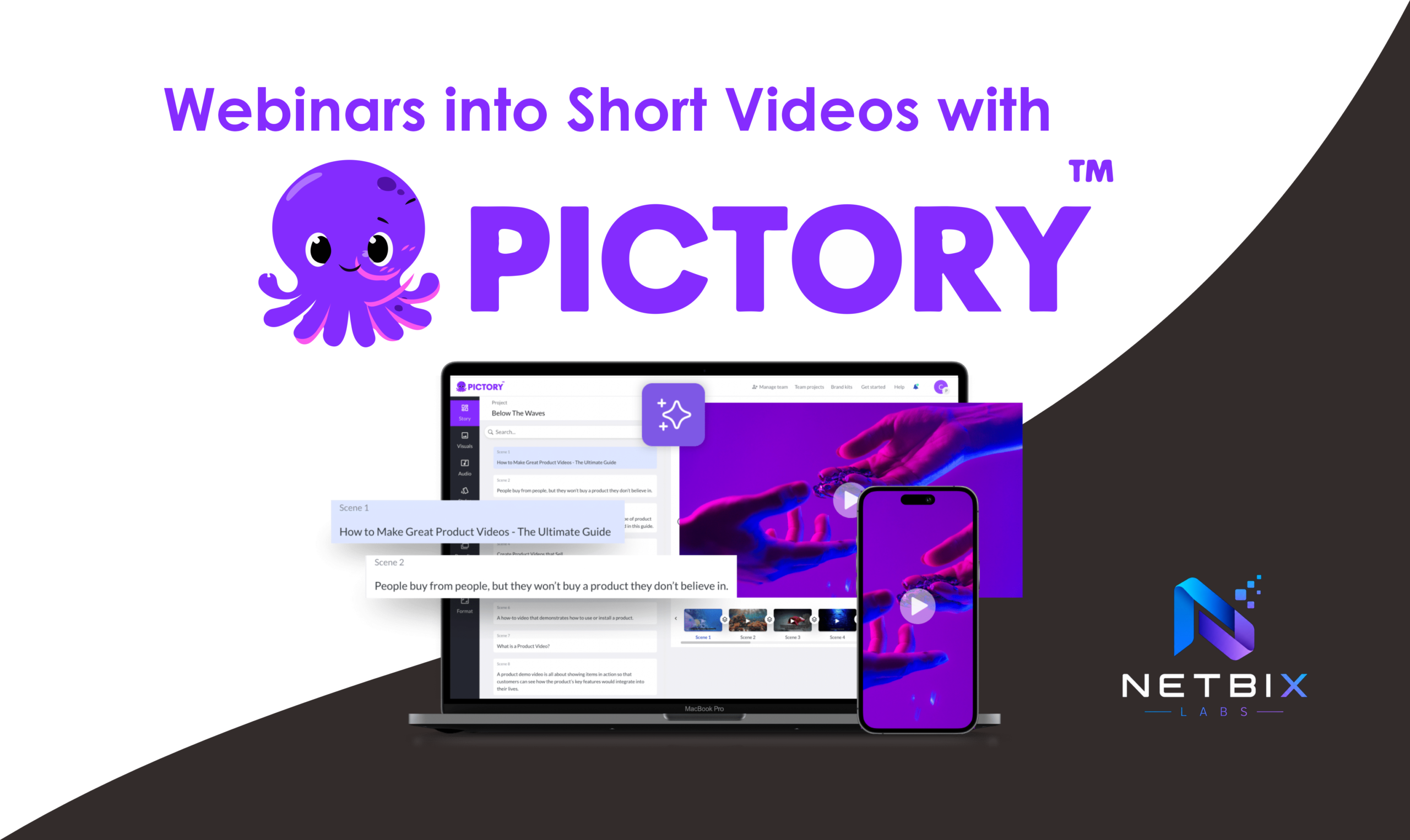
How Businesses Repurpose Webinars into Short Videos with Pictory AI

Learn how businesses turn webinars into social-ready clips using Pictory AI. Step-by-step…

Iqbal